Welcome to Resonant Energies! |
|
Resonant Energies is for metaphysically minded individuals looking for tools to help you along your path in life. We
carry a variety of items and we specialize in our own hand-made items like those shown in the Featured Products section
below. We hope you find something that resonates with you. If you need to know what crystals can do for you, be sure
to see our Properties section.
Our Hand-Made Featured Products
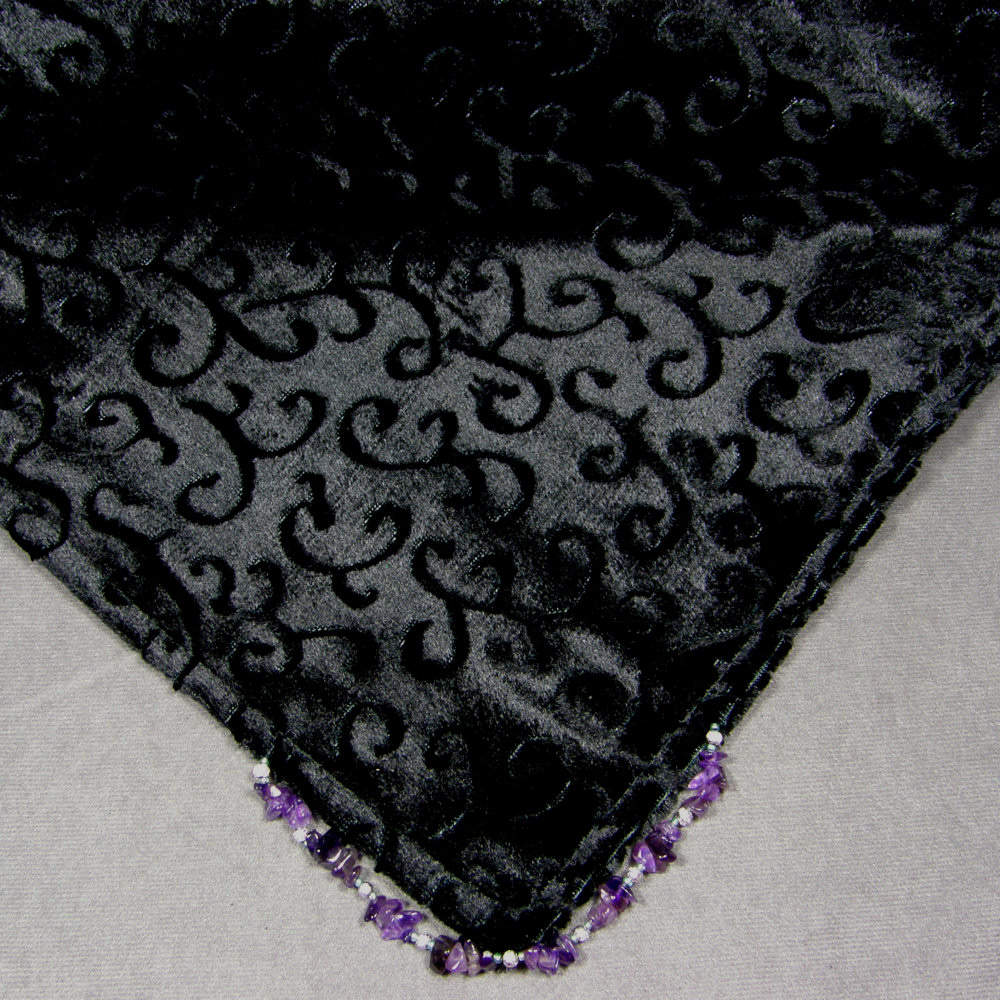 Altar Cloths We make our altar cloths from a wide variety of materials including sheer organzas, cotton prints, satins, velvets, and embossed or filigree velvets. Each cloth features hand strung and sewn arrangements of crystals, beads, and/or charms on each corner... Read More ... |
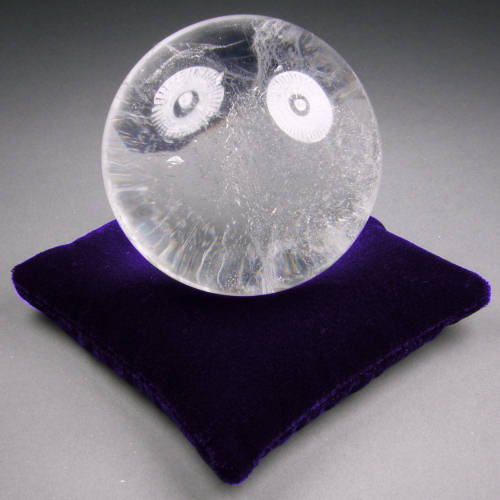 Crystal Pillows Our hand-made cloth "bean bag" crystal pillows are designed to provide a stable support for crystal skulls, points, spheres, clusters or any other item that needs a good strong conforming foundation for display or storage. The pillow bag is filled with a small diameter natural grain... Read More ... |
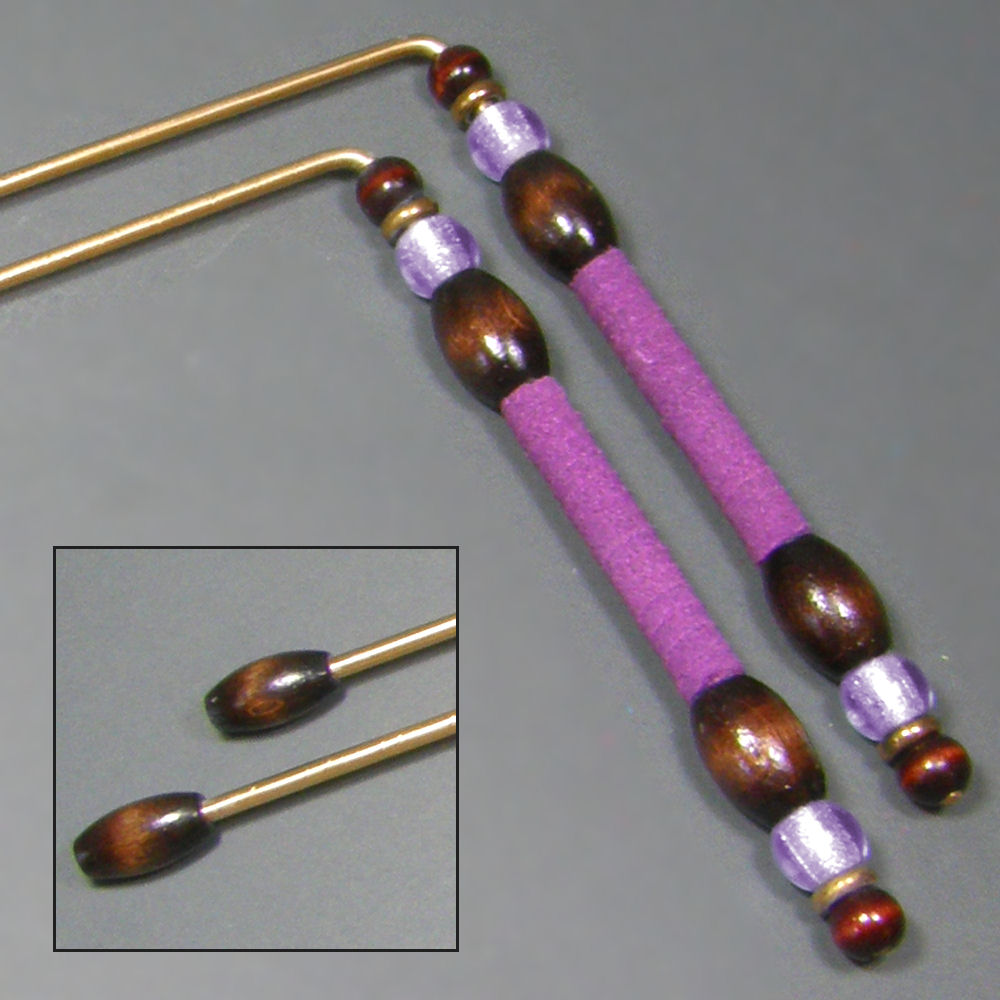 Dowsing Rods Our hand-made dowsing rods are carefully matched and balanced and each pair is cut from a single piece of source material. Each set has its own decorative flair. The rods feel great in your hands, and thanks to the sleeved handles they swing smoothly and freely. The rods have special... Read More ... |
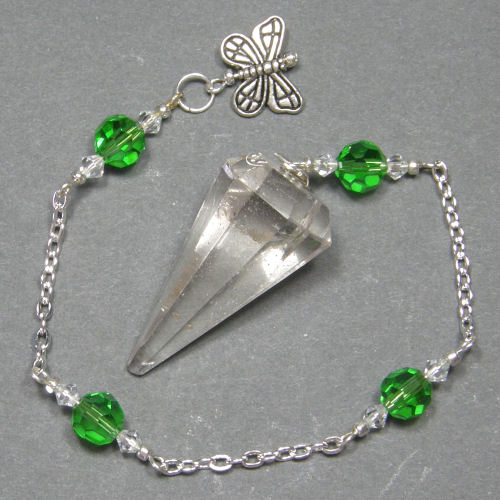 Pendulums Our Premium and Sphere stone pendulums are all hand-made within dedicated sacred space while setting our intention to receive guidance on what combinations of materials and design will have the most beneficial effect. Each pendulum is a completely unique creation... Read More ... |
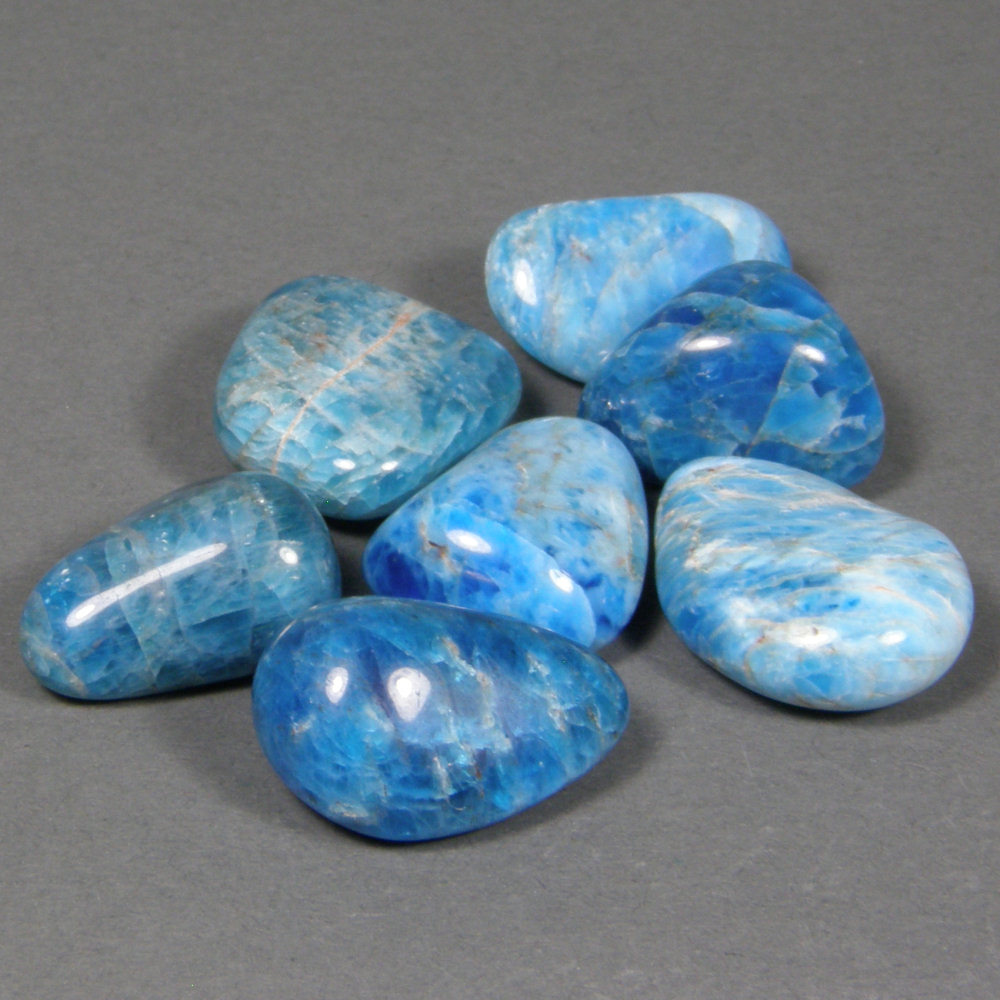 Tumble Polished Crystals We tumble polish our own crystals. That gives us the option to have complete creative control over how the stones are shaped and finished. We can also do custom polishing runs based on a customer's needs. If you have a special project that needs a particular stone and finish, let us provide a quotation for you. |
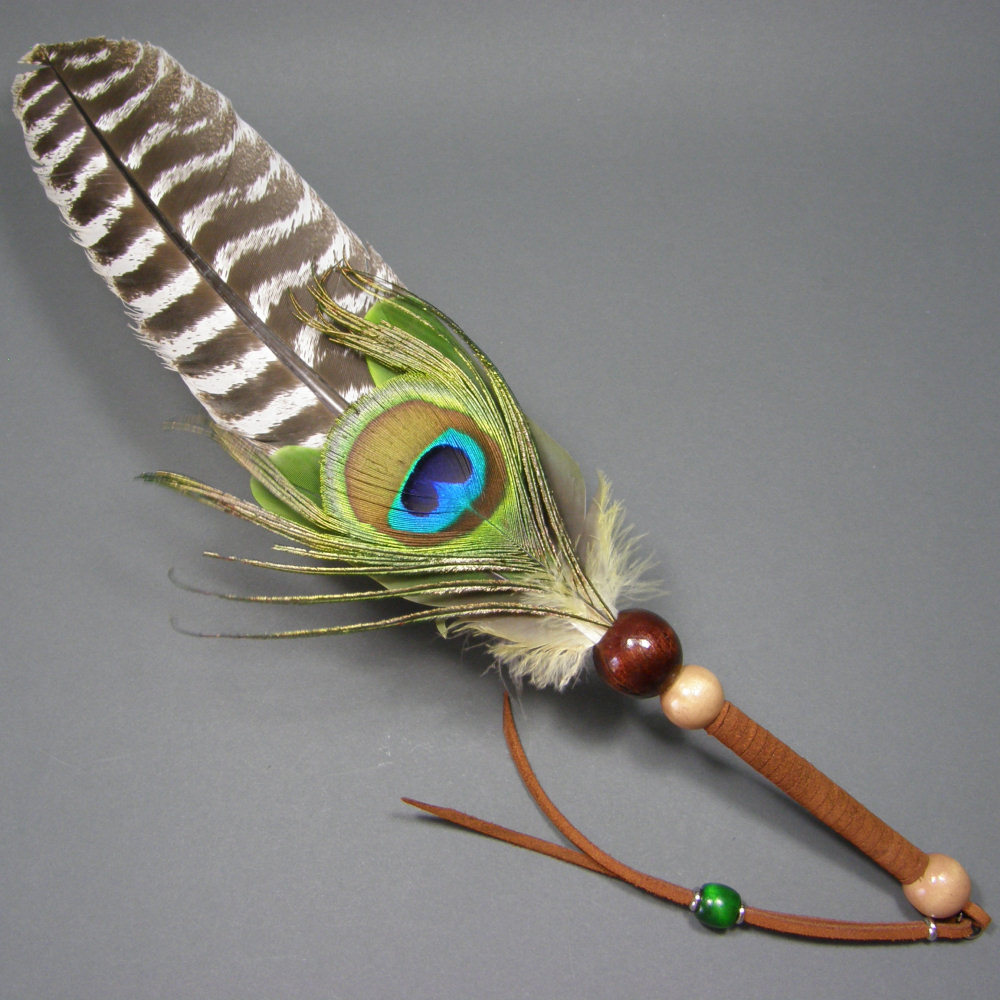 Smudge Fans Our smudge fans are hand made in the USA by Enigma Creations. Each fan is a completely unique creation and energetic tool. Each handle is hand-wrapped with leather and a thong is attached not only for decoration but also to allow the fan to be hung up if desired. These are great fans to use when smudging your home or office with sacred sage... Read More ... |
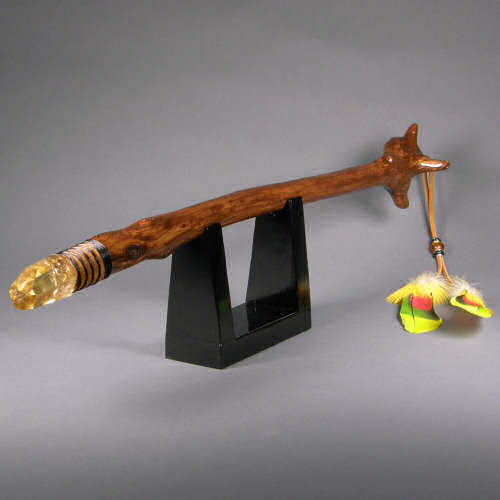 Earth Wands Our "Earth Wands" are so named because they incorporate elements of the three Earth realms; the underground, the surface, and the sky. The wands have crystals and metals from under the earth, wood and leather from life on the earth, and feathers from life above the earth. Our naturally gathered branches become reborn with new energy.... Read More ... |
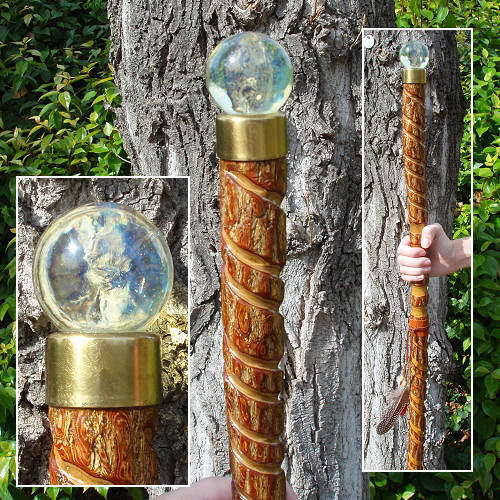 Earth Staffs Our "Earth Staffs" are so named because they incorporate elements of the three Earth realms; the underground, the surface, and the sky. The staffs have crystals and metals from under the earth, wood and leather from life on the earth, and feathers from life above the earth. Our naturally gathered branches become reborn with new energy... Read More ... |
Our Primary eCommerce Venue is Etsy.com
Below is a preview of our latest listings on Etsy. Just click a gallery image to go to
the listing or click the store logo to go to the top of the store. The "Etsy Store" main menu item above also has direct links to various
categories of store items.
Etsy Store Preview

This listing gallery view will change along with our listing activity on Etsy. You are viewing the featured products in the first line and the first 16 store listings after that. |